Percentage Calculator
Percent of a number, change, difference and original value
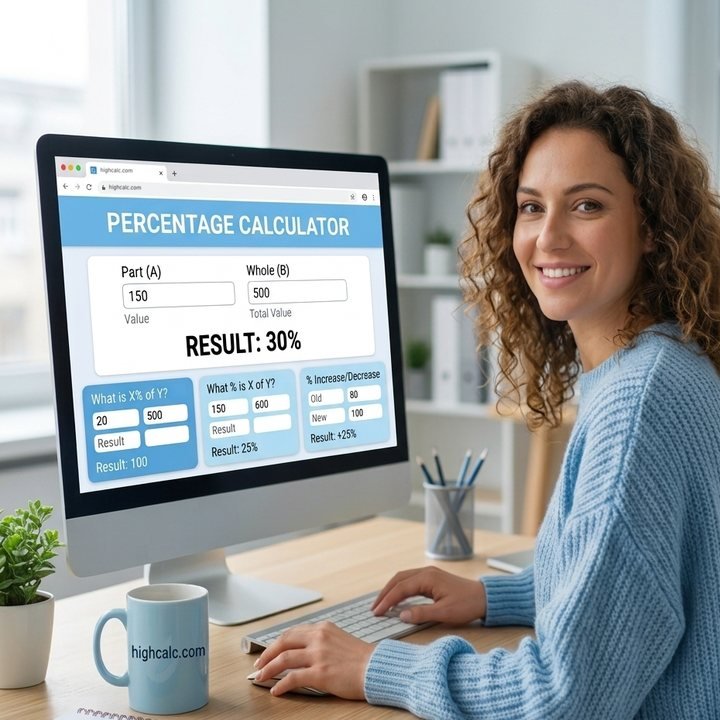
Percentage Calculator: Free Online Percentage Increase, Decrease & Difference Calculator
The Percentage Calculator is a free online tool that helps you quickly calculate percentages, percentage increase, percentage decrease, percentage difference, and original values. Whether you are solving school math problems, calculating discounts while shopping, analyzing financial growth, or comparing values, this calculator provides fast and accurate results instantly.
It includes five calculation modes: percentage of a number, percent change, find the percentage, original value and percentage difference. It is mobile-friendly, easy to use, and designed for students, teachers, business owners, accountants, and everyday users.
Quick answer: 20% of 150 is 30. A move from 100 to 120 is a 20% increase, 15 is 20% of 75, a price of 120 after a 20% rise started at 100, and 80 and 100 differ by 22.22%. Pick the tab that matches your question, type your numbers and the result appears as you type.
What Is a Percentage?
A percentage is a value expressed out of 100, and the word percent means per hundred. So 50% means 50 out of 100, 25% means 25 out of 100, and 100% means the complete value. Percentages make numbers easy to compare because they put different quantities on the same scale, which is why they appear in shopping discounts, school grades, taxes, banking, finance, statistics, business growth, investments, population studies and data analysis.
Five Percentage Calculations in One Tool
The first tab finds a percentage of a number and shows the number plus and minus that percentage. The % Change tab gives the percent change between two values, Find % turns a part and a whole into a percentage, Original Value works backwards from a final amount, and % Difference compares two values using their average. Every tab has sliders and shows its working.
Percentage Formulas
These are the formulas behind each tab. The calculator applies them for you, but knowing them helps you check results by hand.
Use plus in the original value formula when the final value came after an increase and minus when it came after a decrease.
Percentage Examples
| Calculation | Example | Result |
|---|---|---|
| Percentage of a number | 20% of 150 | 30 |
| Percentage increase | 100 → 120 | 20% increase |
| Percentage decrease | 100 → 80 | 20% decrease |
| Percentage decrease | 120 → 100 | 16.67% decrease |
| Find the percentage | 15 out of 75 | 20% |
| Original value | 120 after a 20% increase | 100 |
| Percentage difference | 80 and 100 | 22.22% |
Notice that 100 to 120 is a 20% increase, but 120 back to 100 is only a 16.67% decrease. The percentage is always measured against the starting value, so the same gap gives a different percentage in each direction. An $80 item with 25% off saves $20 and costs $60, and 8% tax on $50 adds $4.
Where Percentages Are Used Every Day
Shoppers use them to compare sale prices. Students turn marks into a score with the grade calculator and combine results with the GPA calculator. In money matters, percentages describe rates, returns and fees, and the interest calculator builds on the same ideas. When a ratio is easier to read as a fraction, the fraction calculator handles the conversion.
Limits and Common Mistakes
A percentage change needs a starting value that is not zero, and a decrease of 100% or more cannot be reversed to find an original value, so the calculator shows a message in those cases. Do not mix up percent with percentage points: moving from 10% to 15% is a rise of 5 percentage points but a 50% increase. Results are mathematical, so for tax, legal or investment decisions check the exact rules and rounding that apply to you.
Who Can Use This Calculator?
Students and teachers use it for homework and classroom demonstrations. Accountants, business owners, financial analysts and ecommerce sellers use it for margins, taxes and growth figures, while investors, researchers, freelancers and online shoppers use it to compare values and check discounts.
How to Use This Percentage Calculator
Choose a calculation
Pick % of a Number, % Change, Find %, Original Value or % Difference. Example: 20% of 150 = 30.
Enter your values
Type the numbers or move the sliders. For % Change enter the original and new value, such as 100 and 120 for a 20% increase.
Read the result
The answer, three extra figures and the working appear right away and update as you type.
Try an example
Tap an example under the button to fill the fields, then change the numbers to your own.